Autotiling
Paint ground and let edges and corners pick themselves.
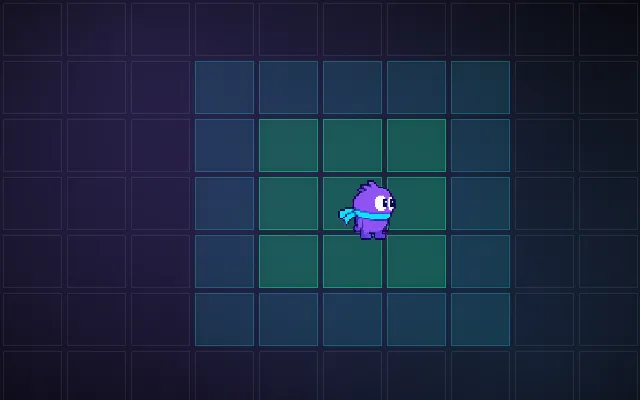
Placing grass edges, corners and inner corners by hand is slow and error-prone. Autotiling looks at each tile's neighbours, builds a small bitmask, and picks the matching piece of the tileset. Painting or generating a level becomes as simple as marking which cells are ground.
Try this: Paint a blob with autotiling off: every cell is the same block. Turn it on (T) and paint again.
Click or drag to paint ground.
Prompt bit
Works for 2D or 3D in any engine (Unity, Unreal, Godot, web). Paste the short one for a quick fix, or the detailed one when you want it done properly.
Autotile the ground layer: build a 4-bit mask from each filled cell's up, right, down and left neighbours (8-bit with corners for inner corners), pick the matching tile, update only changed cells and neighbours within 0.01 s, and treat map edges as filled.
Add autotiling to the 2D tilemap (Godot terrain sets, Unity Rule Tiles, Tiled terrain brushes, LDtk auto-layers; use those first). For custom code, store which cells are ground. For each ground cell compute a mask: 4-bit (N=1, E=2, S=4, W=8) for simple edges (16 tiles), or 8-bit with corners reduced to 47 cases (the "blob" set) for inner corners. Map each mask to a tile index in the tileset (keep the mapping in data). When a cell changes, recompute it and its 8 neighbours only. Decide what out-of-bounds means (usually filled, so the map edge has no border). Add random variants for plain centre tiles. Generated levels can run the same pass once at the end.
Where it's used
- 2D platformers: ground, walls and platforms
- Top-down RPGs: grass, water and paths
- Level editors: fast painting tools
- Procedural maps: nice edges on generated caves
- Farming games: tilled soil and paths
Common mistakes
Placing edges by hand, using only 4 neighbours when the art needs inner corners, recalculating the whole map on every change, and map edges that draw a border nobody wanted.
Writing this with an AI assistant? See our best AI coding assistants for game developers.
Missing a concept? Request one.