Chunk streaming
Load the world around the player, unload the rest.
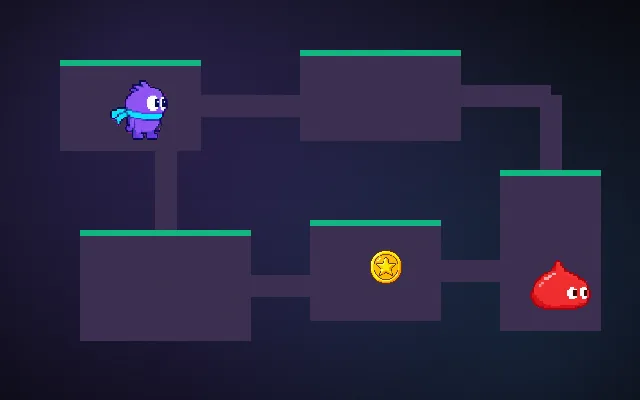
A big or endless world does not fit in memory, and generating it all at once takes forever. Splitting it into chunks and only keeping those within a radius of the player loaded lets the world be any size. Load in the background a little ahead, and unload with some slack so walking on a border does not thrash.
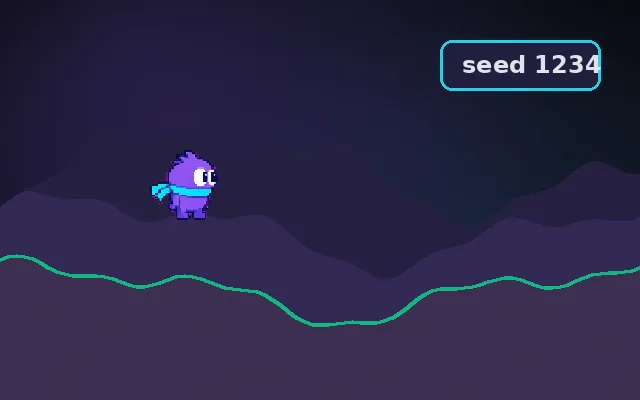
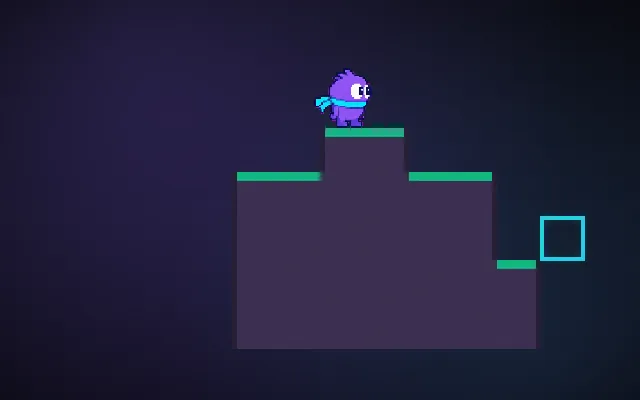
Try this: Walk back and forth across a chunk border with hysteresis off: chunks load and unload constantly. Turn it on (H).
Move around.
Prompt bit
Works for 2D or 3D in any engine (Unity, Unreal, Godot, web). Paste the short one for a quick fix, or the detailed one when you want it done properly.
Stream the world in chunks: keep chunks within a load radius of the player, load them off the main thread within about 0.1 s, unload only beyond the radius plus one chunk so pacing a border never thrashes, and save edited chunks before unloading.
Add chunk streaming to the world (2D or 3D, any engine; Unity Addressables or scene streaming, Unreal World Partition, Godot with threaded resource loading). Divide the world into fixed-size chunks keyed by integer coordinates. Each frame or when the player crosses a chunk border, compute the set within loadRadius; queue missing chunks ordered by distance (and by view direction). Generate or load them off the main thread, then integrate a limited number per frame to avoid hitches. Unload chunks only beyond loadRadius + 1 (hysteresis). Save chunks that were modified before unloading. Keep entities inside chunks or move them to a global list. Precompute a little ahead in the direction of travel for fast movement. Show a debug overlay of chunk states.
Where it's used
- Sandbox and voxel games: endless worlds
- Open worlds: streaming terrain and props
- Endless runners: spawning track ahead
- Space games: sectors and star systems
- Big 2D maps: tile chunks around the camera
Common mistakes
Loading on the main thread so the game hitches, unloading at the same radius so the border thrashes, losing player edits when chunks unload, loading in random order instead of nearest first, and entities falling through unloaded ground.
Writing this with an AI assistant? See our best AI coding assistants for game developers.
Missing a concept? Request one.