Server meshing
One world, many servers, no visible borders.
One server cannot simulate a huge world with many players. Server meshing splits a single world across several servers, each owning a region (or set of entities), and hands players and objects from one to the next as they cross. Done well, there are no loading screens and you can see across the border. It is much harder than sharding or zones because entities near a border involve two servers at once.
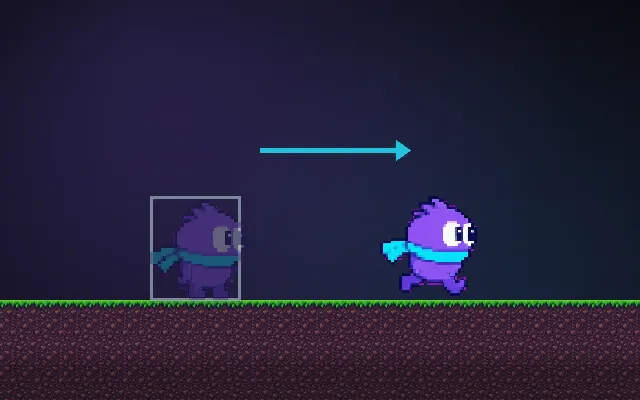
Try this: Walk right across the dashed line into server B. As separate zones you hit a loading screen and cannot see across. Turn on meshing: the other server takes over in one frame and slimes on both sides stay visible.
Walk right across the dashed line into server B.
Prompt bit
Works for 2D or 3D in any engine (Unity, Unreal, Godot, web). Paste the short one for a quick fix, or the detailed one when you want it done properly.
Split one world across servers: each owns a region, entities near a border are replicated to both, and ownership transfers when an entity is 5 metres past the line with a handoff finished within 0.1 s, never mid-attack.
Design server meshing for a large seamless world (3D, any engine or backend). Partition the world into regions (static grid or dynamic, load-based) and give each to one server process. Every entity has exactly one authoritative owner. Near borders, replicate entities to neighbouring servers as read-only ghosts so players can see and interact across the line. Transfer ownership with hysteresis (cross the border plus a margin) and a two-phase handoff: freeze inputs for that entity, serialise its state, the new owner confirms, then clients are told the new owner. Clients should keep one connection through a gateway or replication layer so they never reconnect. Handle cross-border interactions (a bullet fired from A hitting a player owned by B) with a clear authority rule. Rebalance regions under load and test with bots walking back and forth on borders.
Where it's used
- Large space and open-world MMOs: one continuous universe
- Survival sandboxes: big maps with many players
- Large-scale battles: splitting load by entity
- Simulation backends: spatial partitioning across machines
- City-scale worlds: districts owned by different servers
Common mistakes
Handoff without hysteresis so a player on the border ping-pongs, no ghost replication so the world ends at the line, two servers both thinking they own an entity, cross-border combat with no authority rule, and clients that reconnect on every handoff.
Writing this with an AI assistant? See our best AI coding assistants for game developers.
Missing a concept? Request one.