Layering and phasing
A crowded zone quietly becomes several.
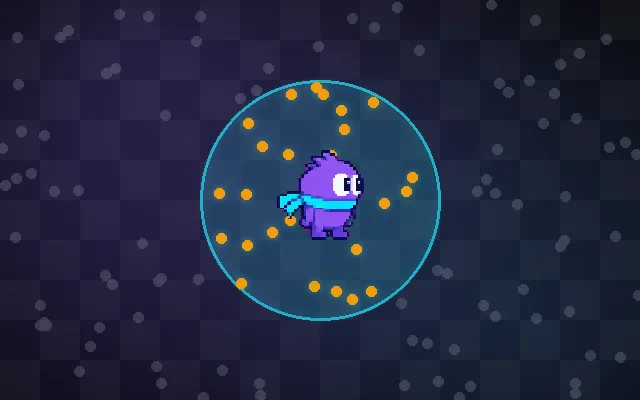
When too many players crowd one zone, it gets laggy and quests become impossible because everyone competes for the same monsters. Layering splits the zone into several copies (layers) when it passes a cap and merges them again when it empties. The key rule: a party always stays in one layer. Phasing is the related idea of showing each player a version of an area based on their own progress.
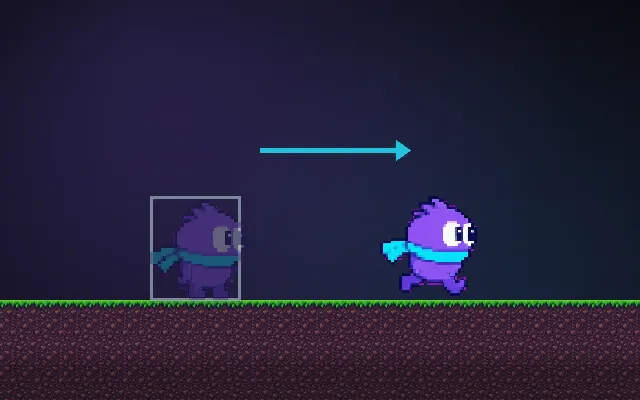
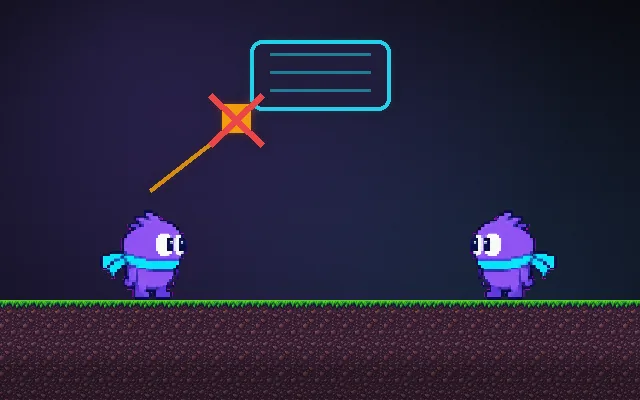
Try this: Walk right into the busy town with your two friends. Without layers all 70 players are in one crowded copy. Turn layers on: you only see your layer of about 23. Turn off party rules and your friends end up in other layers.
Walk right into the town: all 70 players share one copy of the zone.
Prompt bit
Works for 2D or 3D in any engine (Unity, Unreal, Godot, web). Paste the short one for a quick fix, or the detailed one when you want it done properly.
Add layering: when a zone passes its player cap, open another copy and assign newcomers to the emptiest layer, always keep party members in the same layer, and only move a player between layers after 30 s out of combat.
Implement dynamic layering for busy zones (any engine or backend). Give each zone a soft cap. When it is exceeded, spin up another layer (a full copy of the zone running on the same or another process) and send new arrivals to the least populated layer. Party and raid members always share a layer: when someone joins a party, move them to the leader’s layer at the next safe moment. Never move players in combat, during a cutscene or while trading; wait until they have been safe for a short time and hide the swap behind a brief fade. Merge layers when the population drops below a threshold, with hysteresis so layers do not flap. Keep world state that must be shared (rare spawns, events, world bosses) consistent or clearly per layer. Phasing is separate: it decides what a player sees from their quest state, and can sit on top of layers.
Where it's used
- MMOs: launch-day crowds in starting zones
- Open-world survival: busy hubs
- Social games: plaza and lobby instances
- 2D online RPGs: automatic channels
- Quest phasing: the same village before and after a story beat
Common mistakes
Splitting parties across layers, swapping players mid-combat so enemies vanish, layers that flap open and closed, letting players hop layers to farm rare spawns, and no visible indicator when a swap happens.
Writing this with an AI assistant? See our best AI coding assistants for game developers.
Missing a concept? Request one.