Sharding
Many separate copies of the same world.
One world copy can only hold so many players. Sharding runs several full copies of the world (shards, often called realms or servers) and puts each player on one. It scales simply, but players on different shards cannot see or play with each other unless you add transfers or cross-shard features.
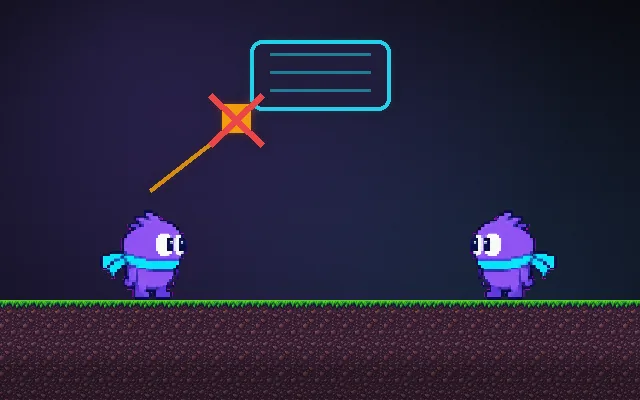
Try this: Your friend is on shard 2. On shard 1 you see other players, but not your friend. Switch to shard 2 and they appear. Each shard is a full copy of the world with its own population.
Different shards are separate copies of the world. Your friend is on shard 2, so they are invisible to you.
Prompt bit
Works for 2D or 3D in any engine (Unity, Unreal, Godot, web). Paste the short one for a quick fix, or the detailed one when you want it done properly.
Where it's used
- Classic MMOs: realms or servers players pick at login
- Survival games: separate public servers
- Mobile strategy games: numbered kingdoms or worlds
- 2D online RPGs: channel lists
- Regional servers: one shard per region for latency
Common mistakes
Making friends pick the same shard by guesswork, no transfer or merge plan for dying shards, storing account-wide data inside the shard, name collisions on transfer, and letting one shard fill up while others are empty.
Writing this with an AI assistant? See our best AI coding assistants for game developers.
Missing a concept? Request one.