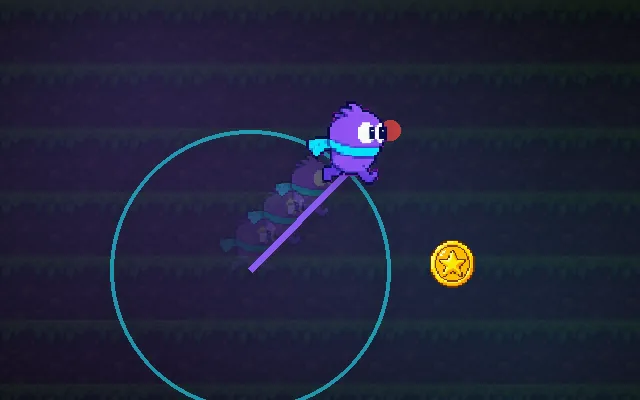
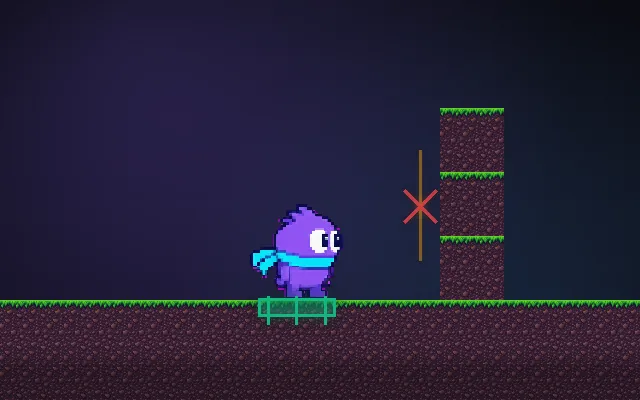
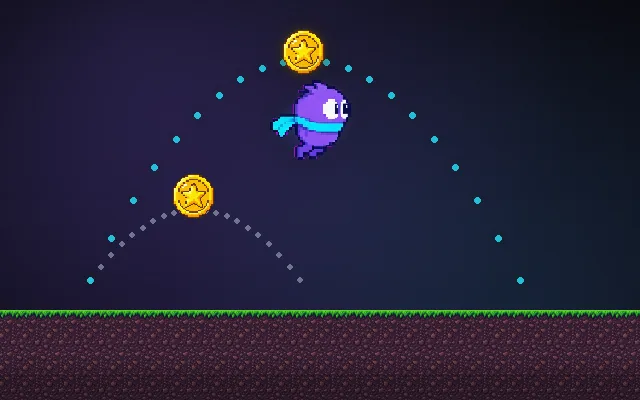
Acceleration and friction
Speed that builds up and bleeds off, instead of on/off movement.
If the character jumps straight to full speed and stops dead, movement feels like a cursor, not a body. Giving speed a short ramp up and a short ramp down adds weight. The two numbers decide whether your game feels snappy like Celeste or slippery like an ice level.
Try this: Run right, then flip to left. Try it on Snappy, then on Ice, and watch the speed graph.
speed over the last 2 secondstarget speed
Hold a direction, then let go.
Prompt bit
Works for 2D or 3D in any engine (Unity, Unreal, Godot, web). Paste the short one for a quick fix, or the detailed one when you want it done properly.
Add acceleration and friction to movement: each frame move velocity toward input times maxSpeed by a fixed rate times delta time, reaching full speed in about 0.1 s, and use the faster stopping rate when input points against velocity so turning never drags.
Replace instant velocity with acceleration and friction (2D or 3D, any engine). Keep a velocity vector. Each frame compute target = inputDirection * maxSpeed. If input is held, move velocity toward target by acceleration * deltaTime using a move-towards function (never overshoot); if no input, move it toward zero by deceleration * deltaTime. When the input points more than 90 degrees away from the current velocity, use the larger of acceleration and a turnDeceleration so reversing feels responsive. Express the tunables as times, then derive rates: timeToMaxSpeed default 0.1 s (snappy 0.03 s, heavy 0.25 s), timeToStop default 0.08 s (ice 1 s). Use lower values in the air (airControl around 0.5) if it is a platformer. In 3D work on the horizontal plane only and leave vertical velocity to gravity. Snap tiny speeds below 0.01 to zero so the character never creeps. Expose all values as tunables.
Where it's used
- Platformers: run speed ramps, skids on turnaround, separate air control
- 3D third-person and FPS: ground acceleration vs air strafing; sprint ramps
- Top-down and twin-stick games: responsive turning with a hint of weight
- Vehicles and spaceships: long speed-up and coast times are the whole feel
- Ice, mud and water zones: swap the two numbers per surface
Common mistakes
Using physics engine drag for friction (it never truly stops and changes with mass), forgetting delta time so feel changes with frame rate, and letting the move-towards step overshoot so the character jitters around zero speed.
Writing this with an AI assistant? See our best AI coding assistants for game developers.
Missing a concept? Request one.