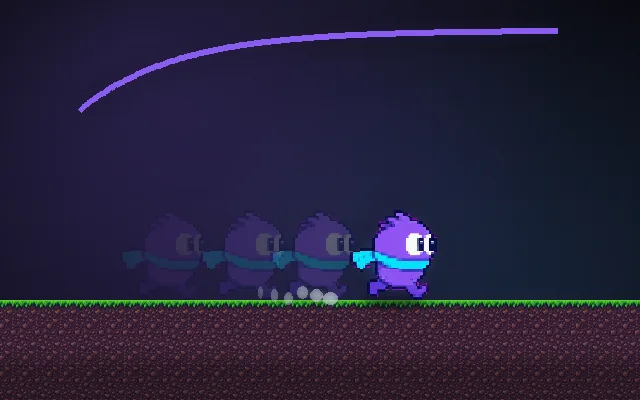
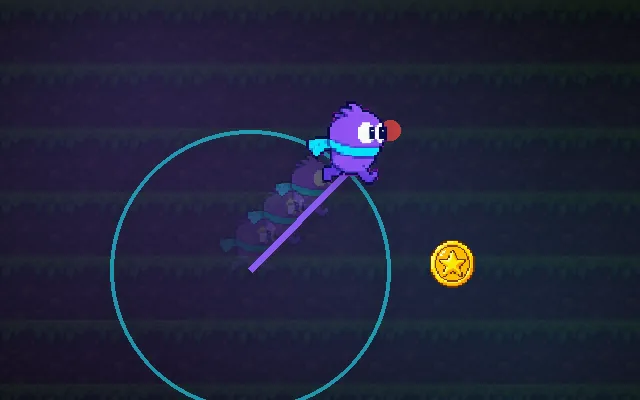
Ground check
How the game decides you are standing on something.
Almost every jump bug is a ground check bug. If "grounded" means "touching anything", the player can climb walls by jumping against them, or jump again in mid-air. A good check only looks just below the feet, ignores walls and ceilings, and turns off the moment a jump starts.
Try this: Switch to Buggy, run into the tall wall and keep pressing jump. Then switch to Feet probe and try again.
probe hits groundprobe finds nothingbuggy contact
Climb the wall if you can.
Prompt bit
Works for 2D or 3D in any engine (Unity, Unreal, Godot, web). Paste the short one for a quick fix, or the detailed one when you want it done properly.
Write a proper ground check: cast a short box down from the feet, count it only if the hit surface faces mostly up, and skip re-grounding for 0.1 s after a jump starts so walls or the takeoff frame never grant an extra jump.
Implement a reliable ground check (2D or 3D, any engine). Each physics step, cast a shape (box in 2D, sphere or capsule in 3D) slightly narrower than the character from the feet straight down by a small distance (default 0.05 units, a few pixels in 2D). Count it as grounded only if it hits something on the ground layer and the hit normal points up enough (dot(normal, up) >= cos(maxSlopeAngle), default 50 degrees), so walls and ceilings never count. Use the shape cast, not a single centre ray, so ledges still work. When a jump starts set grounded = false and ignore ground hits for 0.1 s or until vertical velocity is falling, so the takeoff frame cannot re-ground. Store the ground normal and the platform you stand on for slopes and moving platforms. Expose probe distance, width and max slope; draw the probe in a debug view; and feed grounded into coyote time and the jump buffer.
Where it's used
- Platformers: jumps, coyote time, landing effects, fall damage
- 3D character controllers: slopes, stairs and step offsets
- FPS movement: bunny-hop rules, crouch-jump and fall states
- Animation: switching between idle, run, jump and fall
- Vehicles: per-wheel ground checks for suspension and airtime
Common mistakes
Using collision enter/exit events (they flicker and miss), treating any contact as ground (wall climbing), one ray from the centre (falls off ledges while visibly standing), and checking before the jump has left the ground so a second jump fires.
Writing this with an AI assistant? See our best AI coding assistants for game developers.
Missing a concept? Request one.