Draw calls
Each separate draw request costs CPU time.
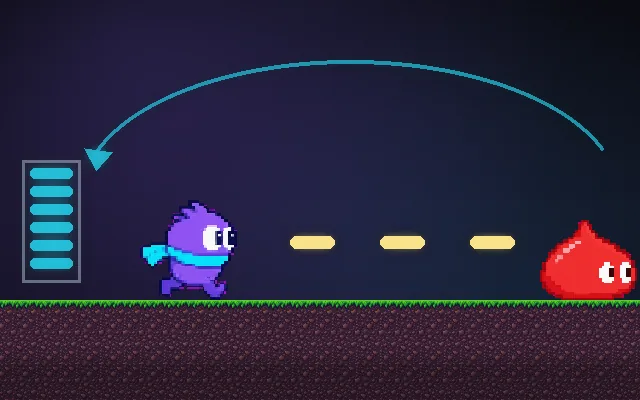
The CPU tells the GPU what to draw in batches called draw calls, and each one has overhead. A thousand sprites as a thousand calls can choke the CPU while the GPU sits idle. Sharing materials and atlases, batching, and instancing let hundreds of objects go in one call.
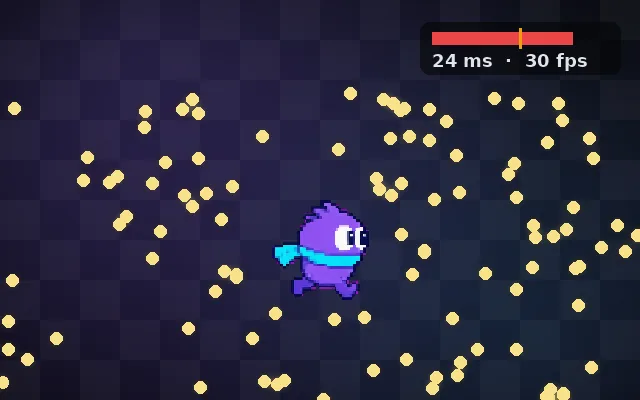
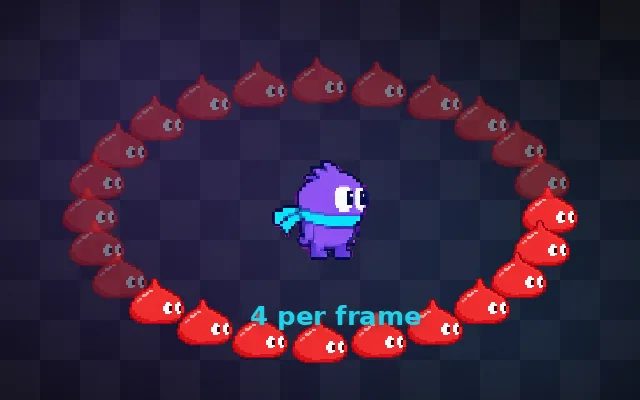
Try this: Grab coins. Each coin adds 250 more sprites. Without batching every sprite is its own draw call and the game slows down. Turn on Batched: same sprites, 4 calls, smooth.
Every coin adds 250 sprites, each its own draw call. Watch the frame rate sink.
Prompt bit
Works for 2D or 3D in any engine (Unity, Unreal, Godot, web). Paste the short one for a quick fix, or the detailed one when you want it done properly.
Reduce draw calls: share materials and texture atlases so objects batch, use GPU instancing for repeated meshes, sort to avoid material switching, and check the frame debugger until the busiest scene stays under about 0.004 s of CPU render time, even with UI open.
Lower draw calls (2D or 3D; Unity Frame Debugger and SRP Batcher, Unreal stat RHI and instanced static meshes, Godot MultiMesh, three.js InstancedMesh). Find the busiest scene and count draw calls and batches. Fixes: put sprites in atlases and share materials so they batch; use GPU instancing for repeated meshes (trees, rocks, bullets); merge static props; avoid per-object material copies (use per-instance properties); sort by material; for UI, keep atlased images on the same canvas and avoid interleaving text and images that break batches. Mobile targets often want under 100 to 200 calls; desktop can handle thousands with modern APIs. Measure CPU render time, not just the count.
Where it's used
- Mobile games: draw call limits
- 2D games: sprite batching
- Open worlds: instanced foliage
- Bullet hells: thousands of instanced bullets
- UI-heavy games: canvas batching
Common mistakes
A unique material per object, accessing renderer.material which copies it, sprites from many textures interleaved, not using instancing for repeated meshes, and counting draw calls on desktop when the target is mobile.
Writing this with an AI assistant? See our best AI coding assistants for game developers.
Missing a concept? Request one.