Object pooling
Reuse objects instead of creating and destroying them.
Creating and destroying hundreds of bullets, particles or enemies every second makes the engine allocate memory and clean it up later, which causes stutters (garbage collection spikes). A pool creates a fixed set once, hands out an inactive one when needed and takes it back when done. Same gameplay, smooth frame times.
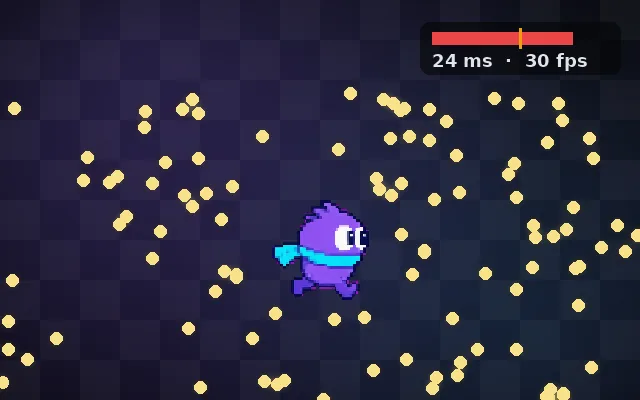
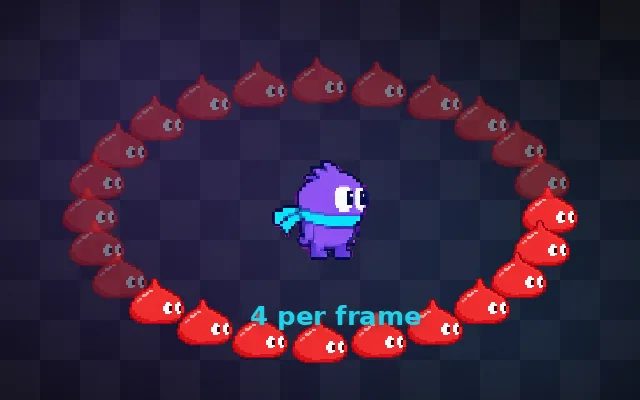
Try this: Hold Fire to stop the slimes. Every 40 new bullets the garbage collector freezes the game and a slime slips through. Turn on Pooled: the same bullets are reused and it never pauses.
Hold fire: every 40 new bullets the garbage collector freezes the game.
Prompt bit
Works for 2D or 3D in any engine (Unity, Unreal, Godot, web). Paste the short one for a quick fix, or the detailed one when you want it done properly.
Pool frequently spawned objects: pre-create about 200 bullets at load, take an inactive one on spawn, reset all its state, release it instead of destroying it, and grow the pool when empty, so 10 s of firing never allocates memory.
Add object pooling for anything spawned often (bullets, particles, damage numbers, enemies, audio sources), in 2D or 3D, any engine (Unity has ObjectPool
Where it's used
- Shooters and bullet hells: thousands of bullets
- Particles and effects: hits, sparks and decals
- Endless runners: recycled obstacles and tiles
- UI: list items and damage numbers
- Audio: a pool of sound emitters
Common mistakes
Forgetting to reset state so reused bullets keep old velocity or trails, releasing the same object twice (it gets handed out twice), pooling rare objects for no gain, and destroying pooled objects on scene change.
Writing this with an AI assistant? See our best AI coding assistants for game developers.
Missing a concept? Request one.