GC spikes
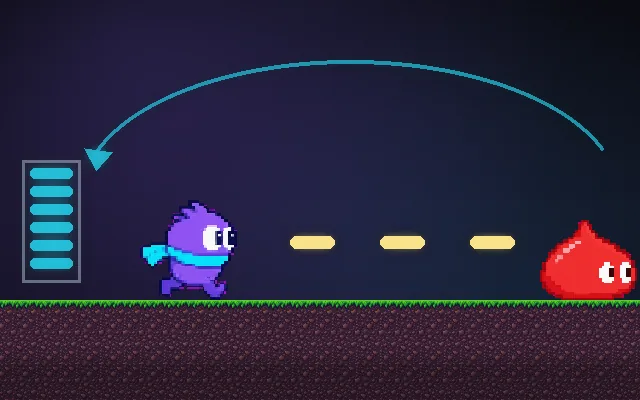
Garbage collection pauses that cause hitches.
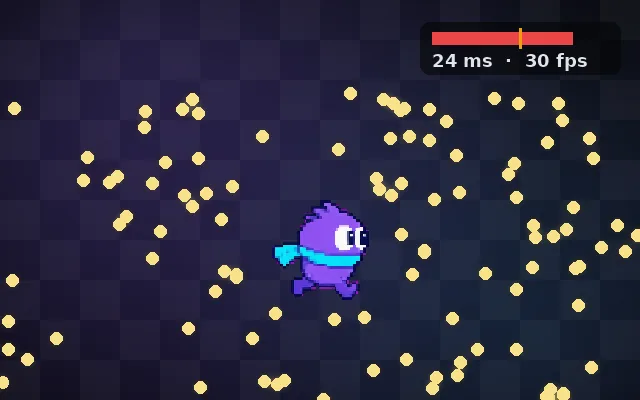
In C#, JavaScript and other garbage-collected languages, every new object or string adds garbage. Eventually the collector pauses to clean up, and a 10 ms pause in the middle of a fight is a visible hitch. Avoiding allocations in per-frame code keeps the frame graph flat.
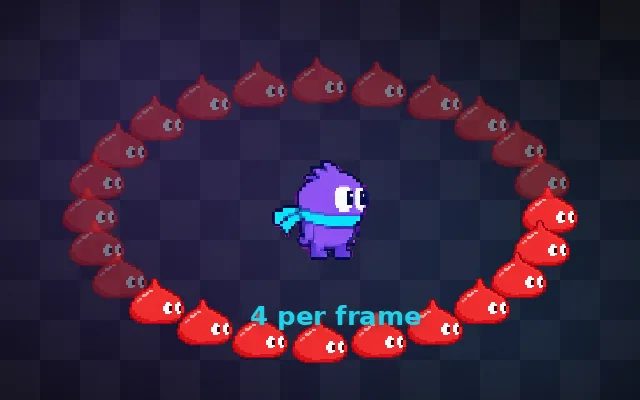
Try this: Dodge the falling slimes. Watch the garbage bar: when it fills, the game freezes for a moment and the slimes jump. Switch to Reuse buffers and the freezes stop.
When the garbage bar fills, the collector freezes the game for a moment and slimes jump forward.
Prompt bit
Works for 2D or 3D in any engine (Unity, Unreal, Godot, web). Paste the short one for a quick fix, or the detailed one when you want it done properly.
Remove per-frame allocations: profile allocations in Update, reuse lists, buffers and strings instead of creating them, use non-allocating physics queries and pooled objects, cache components, and keep combat frames free of collections longer than 0.005 s, even when the frame rate is high.
Eliminate garbage collection hitches (C# in Unity or Godot, JavaScript, Lua, Java). Use the profiler's allocation view (Unity GC Alloc column, Chrome memory timeline) to find allocations in per-frame code. Common fixes: reuse collections (clear instead of new), use non-allocating physics queries with preallocated arrays, avoid LINQ and closures in hot paths, avoid string concatenation for UI every frame (update text only when values change), cache GetComponent results, pool bullets and effects, avoid boxing. In Unity enable the incremental GC; in JS avoid creating arrays and objects in the render loop. Trigger collections at safe moments (loading screens). Target zero allocations per frame in gameplay.
Where it's used
- Unity games: C# allocations in Update
- Web games: JavaScript in the render loop
- Mobile games: small heaps collect often
- Rhythm and fighting games: any hitch is a miss
- VR: hitches cause discomfort
Common mistakes
Creating new lists, strings and closures every frame, updating UI text every frame, allocating physics queries, ignoring the allocation column in the profiler, and assuming the GC is free because the average fps is fine.
Writing this with an AI assistant? See our best AI coding assistants for game developers.
Missing a concept? Request one.