Fragment shader
A tiny program that colours every pixel.
A fragment (pixel) shader runs once per pixel and returns a colour, all in parallel on the GPU. Flash effects, outlines, dissolves, water and colour grading are all a few lines in a fragment shader. Thinking per pixel, with only the pixel's coordinates and inputs, is the trick.
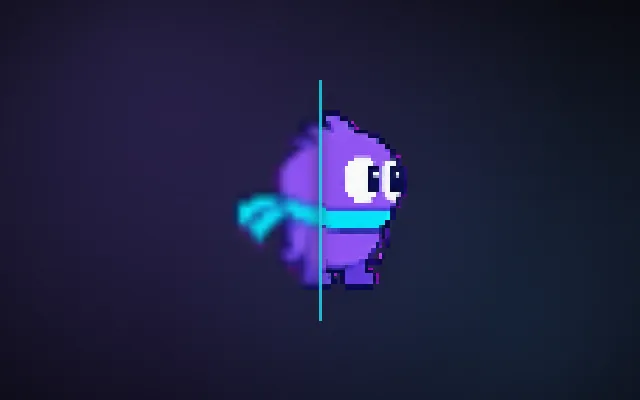
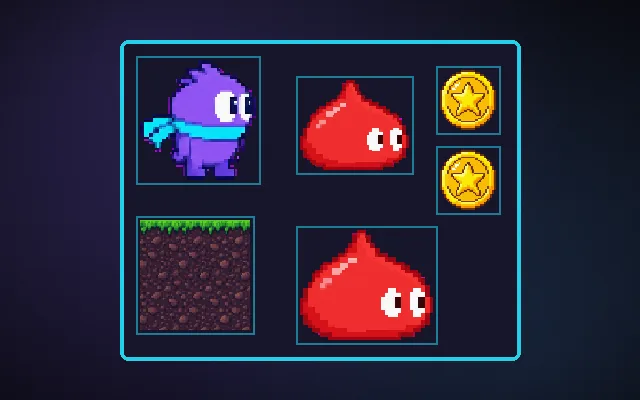
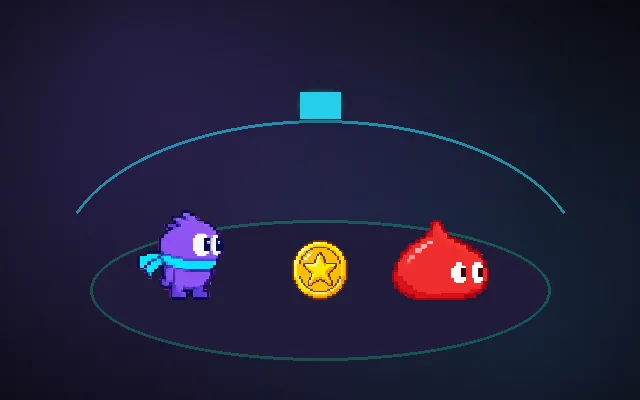
Try this: Bump into the slime. With no shader nothing shows the hit. Pick Flash, Dissolve or Wave: each one runs a tiny function on every pixel of the hero.
Hit flash: every pixel of the hero blends toward white, then fades.
Prompt bit
Works for 2D or 3D in any engine (Unity, Unreal, Godot, web). Paste the short one for a quick fix, or the detailed one when you want it done properly.
Write a hit-flash fragment shader: sample the sprite texture, mix its colour toward white by a flash uniform that the script drives from 1 to 0 over 0.1 s, keep the original alpha so transparent pixels stay transparent, and share one material instance per sprite.
Write fragment shader effects for sprites (2D or 3D; Unity Shader Graph or HLSL, Godot shading language canvas_item, Unreal material editor, WebGL GLSL). A fragment shader gets interpolated inputs (UV, vertex colour, time, uniforms) and returns a colour. Hit flash: c = texture(uv); c.rgb = mix(c.rgb, flashColor, flash); keep c.a. Dissolve: sample a noise texture and discard where noise < threshold, with a glowing edge band. Outline: sample neighbours offset by one texel and output the outline colour where alpha is 0 but a neighbour is opaque. Wave: offset uv.x by sin(uv.y * frequency + time) * amplitude. Drive uniforms from scripts. Avoid branches and heavy loops; use per-instance properties so batching survives.
Where it's used
- Combat feedback: hit flash and damage tint
- Effects: dissolve, burn and teleport
- 2D games: outlines and palette swaps
- Water and heat: wave distortion
- Post-processing: colour grading and vignettes
Common mistakes
Changing material colour on the shared material so every enemy flashes, losing alpha so sprites become rectangles, creating new materials per hit, expensive per-pixel loops, and not using texel size for outlines.
Writing this with an AI assistant? See our best AI coding assistants for game developers.
Missing a concept? Request one.