Easing
How something speeds up and slows down, not just where it goes.
Things that move at one constant speed look robotic. Real objects start and stop gradually, overshoot, or bounce. Swapping a linear move for the right easing curve is one of the cheapest ways to make menus, pickups and characters feel alive.
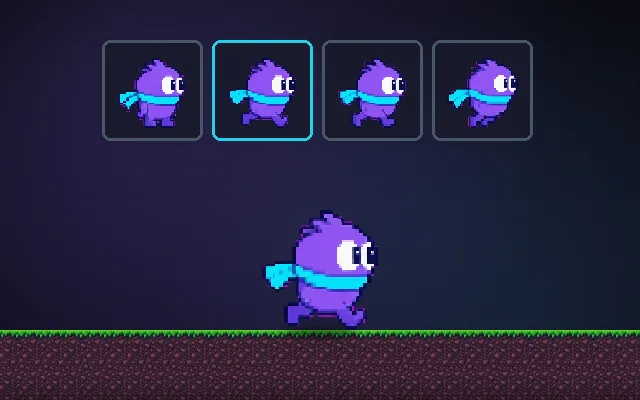
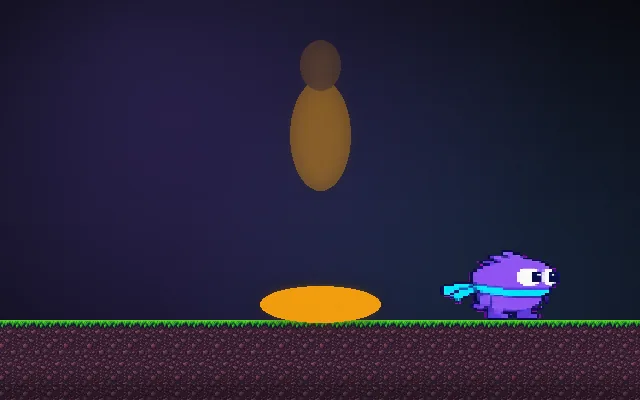
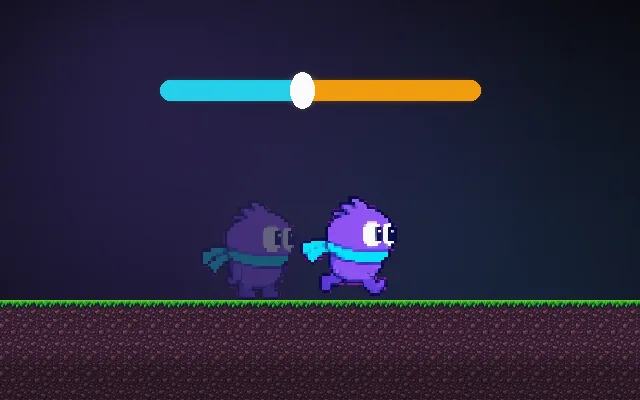
Try this: Pick a curve for your hero and press Race. All four dash to the coin in exactly 0.9 s, but ease-out feels snappy, ease-in feels late and back overshoots.
Pick a curve and press Race.
Prompt bit
Works for 2D or 3D in any engine (Unity, Unreal, Godot, web). Paste the short one for a quick fix, or the detailed one when you want it done properly.
Replace linear tweens with easing: t = clamp(elapsed / duration, 0, 1) and value = lerp(start, end, ease(t)); use easeOutCubic for arrivals (0.2 to 0.35 s for UI), easeInOutSine for moves between two points, and easeOutBack only where overshoot is wanted.
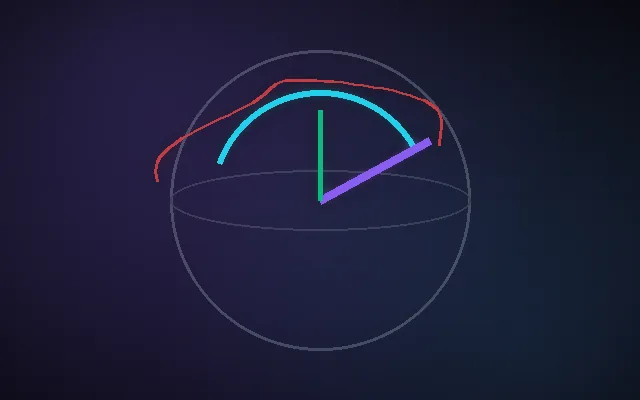
Add one easing helper and use it wherever something moves, scales, rotates or fades over a known time (2D, 3D or UI, any engine). Each tween stores start, end, duration and elapsed; every frame compute t = clamp(elapsed / duration, 0, 1) and set value = lerp(start, end, ease(t)). Include linear, easeOutCubic, easeInOutSine, easeOutBack and easeOutElastic. Defaults: UI panels and buttons 0.2 to 0.35 s with easeOutCubic; camera moves 0.5 to 1 s with easeInOutSine; pickups and pop-ins easeOutBack. For 3D rotation, ease t and slerp between quaternions instead of easing each Euler angle. Keep start fixed for the whole tween, let a new tween on the same property cancel the old one cleanly, clamp values that must stay in range (opacity, health bars) because Back and Elastic overshoot, and run UI tweens on unscaled time so they still play while the game is paused. Expose duration and curve per tween.
Where it's used
- UI: menus sliding in, buttons popping on hover, health bars draining
- Cameras (2D and 3D): cutscene pans, zooming to a target, lock-on and aim transitions
- 3D objects: doors opening, lifts and platforms moving, items flying to the player
- Juice: damage numbers, coin pickups, score counters ticking up, screen fades
- Scripted character moves: dodges, dashes and knockback over a fixed distance
Common mistakes
Writing the current value back in as the start every frame (it turns any curve into a slow crawl that never quite arrives), using Back or Elastic on values that must not overshoot such as opacity, and easing 3D rotations axis by axis instead of with slerp.
Writing this with an AI assistant? See our best AI coding assistants for game developers.
Missing a concept? Request one.