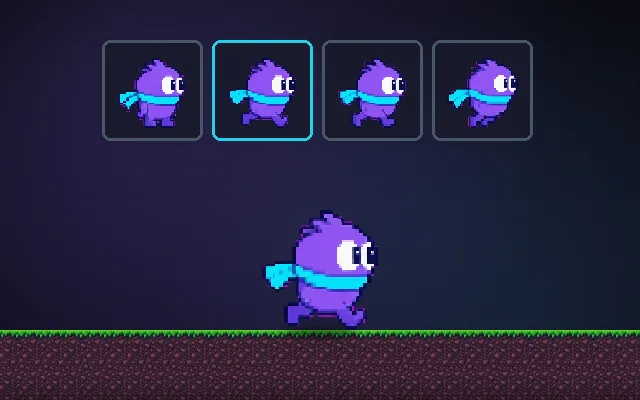
Squash and stretch
Make things feel springy by deforming them.
Stretching an object along its motion while it moves fast, and squashing it flat when it lands, makes it look soft and alive. It is the oldest animation principle and costs a few lines of code: scale one axis up and the other down by the same ratio so the volume stays the same.
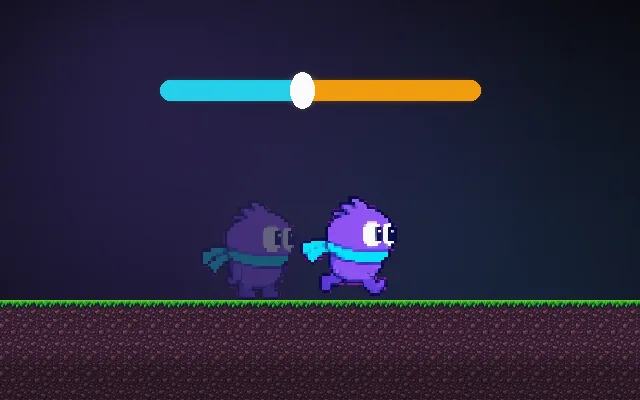
Try this: Bounce the ball with squash off, then on (Q). Push the slider to exaggerate.
Bounce the ball.
Prompt bit
Works for 2D or 3D in any engine (Unity, Unreal, Godot, web). Paste the short one for a quick fix, or the detailed one when you want it done properly.
Add squash and stretch to the visual only: stretch along velocity and shrink the other axes to keep volume, squash wide on landing, spring back to normal over 0.15 s, and scale from the feet so characters never sink into the floor.
Add squash and stretch to characters, pickups and projectiles (2D or 3D, any engine). Apply it only to a visual child, never the collider. Stretch: along the movement axis scale = 1 + min(speed * stretchFactor, maxStretch) (default max 0.25), and the other axis or axes by 1 / sqrt(scale) in 3D or 1 / scale in 2D so volume stays the same. Squash on impacts: on landing set scale to (1.3, 0.7) (wide, short), on jump set (0.75, 1.3), then spring back to (1, 1) with a damped spring or easeOutElastic over about 0.15 s. Pivot at the feet for landings and jumps so the character stays on the ground, and at the centre for flying objects. Scale squash strength by impact speed. Rotate the stretch axis to the velocity direction for balls and projectiles. Keep it subtle for realistic art and exaggerated for cartoony art, and give players a reduced-motion option.
Where it's used
- Platformers: jump and land deformation
- Puzzle and casual games: bouncy pieces and buttons
- Projectiles: stretched bullets and balls
- UI: buttons that squish when pressed
- 3D cartoon games: rubbery characters and slimes
Common mistakes
Scaling the collider instead of the visual, scaling from the centre so characters sink into the floor, not preserving volume (objects just grow), and constant wobble that makes precise movement hard to read.
Writing this with an AI assistant? See our best AI coding assistants for game developers.
Missing a concept? Request one.