Hit stop
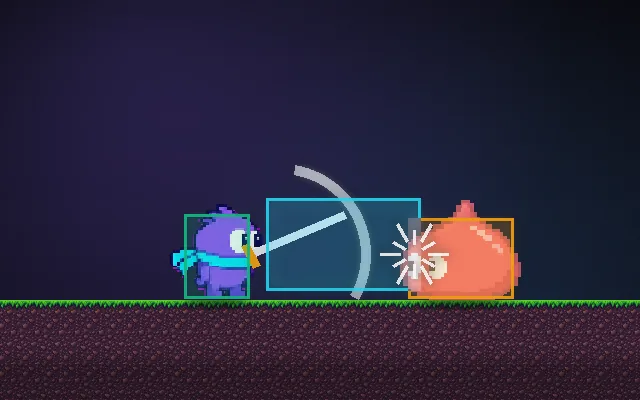
Freeze for a blink when a hit lands.
When a hit connects, freezing the attacker and the target for a few hundredths of a second makes it feel like the weapon met something solid. Without it, swords pass through enemies like paper. It is tiny, but players feel its absence immediately.
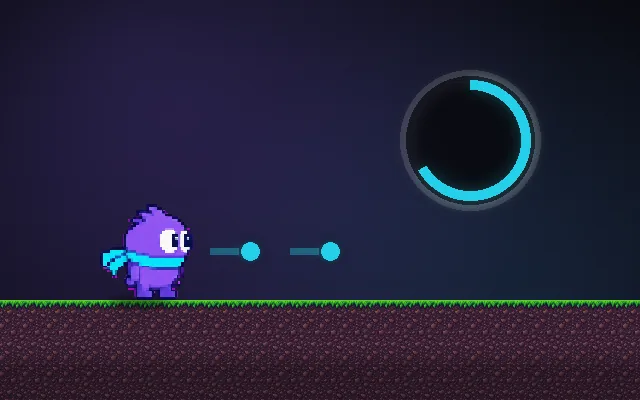
Try this: Land a few hits with hit stop off, then switch it on and hit again. Push the slider to 200 ms to see it exaggerated.
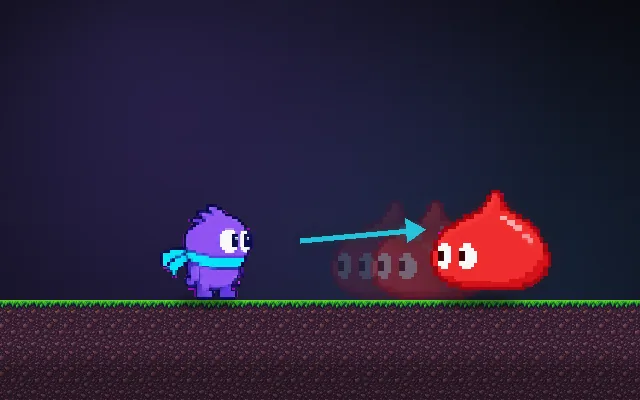
Attack when the slime is close.
Prompt bit
Works for 2D or 3D in any engine (Unity, Unreal, Godot, web). Paste the short one for a quick fix, or the detailed one when you want it done properly.
Add hit stop: when a hit lands, freeze the attacker and the target (animation and movement) for 0.06 s, longer for heavy hits, while UI, sound and particles keep running, and never stack freezes so a multi-hit attack cannot lock the game.
Implement hit stop (hit freeze) for melee and heavy hits, in 2D or 3D, any engine. On a confirmed hit, set a hitStopTimer on the attacker and the target: default 0.06 s for light hits, 0.09 s medium, 0.12 s heavy; criticals and finishers up to 0.2 s. While the timer is running, pause their animation and movement updates (set their local time scale to 0, or skip their update), but keep particles, sounds, UI and input buffering running. Use the max of the current and new timer rather than adding, so multi-hit attacks or many targets can't freeze everything for seconds. Prefer per-character freezes; if you use a global time scale instead, use unscaled time for the timer and the UI. Combine with a white flash on the target and a small screen shake that starts after the freeze. Apply knockback when the freeze ends. Expose durations per attack, and add a debug toggle to turn it off for comparison.
Where it's used
- Fighting games: every connecting hit has a few frames of freeze
- Action games and soulslikes: heavy sword and hammer impacts
- Platformers: stomping enemies and boss hits
- Shooters: tiny freezes on kills and headshots
- Sports games: bat or racket contact
Common mistakes
Freezing the whole game including UI and audio, adding freeze times together so combos lock the game, freezes so long (over 0.2 s) that controls feel laggy, and counting the freeze in frames so it changes with frame rate.
Writing this with an AI assistant? See our best AI coding assistants for game developers.
Missing a concept? Request one.