Invincibility frames
A short safety window after getting hit.
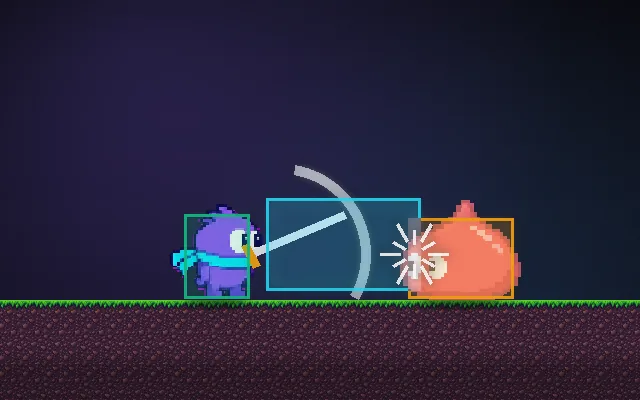
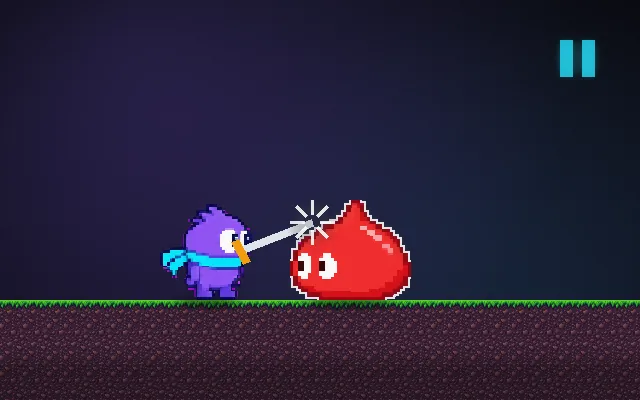
Without a grace period, standing inside an enemy deals damage every single frame and drains a full health bar in a second. A brief window of invincibility after each hit (often shown by blinking) makes damage readable and fair, and gives the player time to escape.
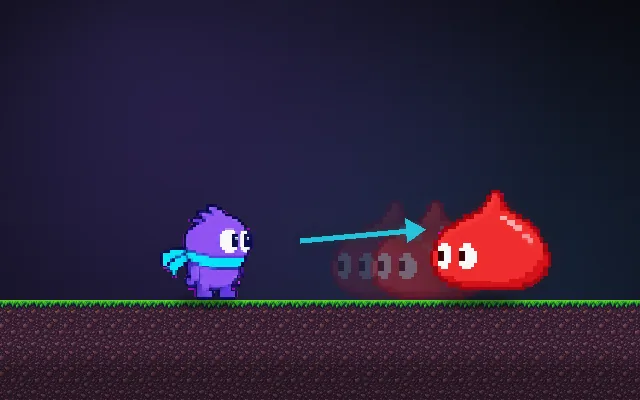
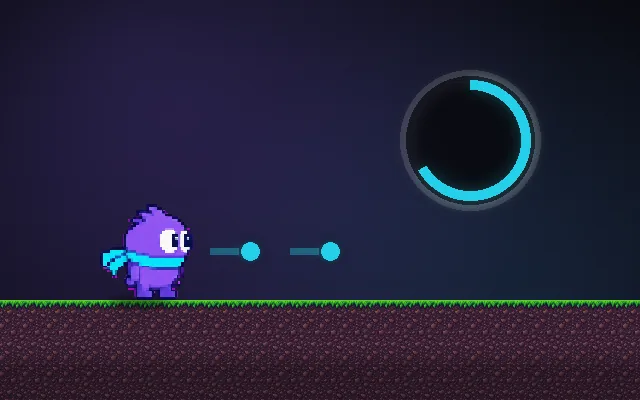
Try this: Let the slime run into you with i-frames off and watch the health bar. Turn them on (I) and do it again.
Stand still and let the slime reach you.
Prompt bit
Works for 2D or 3D in any engine (Unity, Unreal, Godot, web). Paste the short one for a quick fix, or the detailed one when you want it done properly.
Give the player invincibility frames: after taking damage, ignore further damage for 0.8 s while the sprite or mesh blinks, still let them collide and move normally, and make sure falling into a pit or other instant-death hazards still kills during the window.
Add invincibility frames (i-frames) after the player takes damage, in 2D or 3D, any engine. On damage, set invulnerableUntil = gameTime + iFrameDuration (default 0.8 s; 0.5 to 1.5 s is normal) and ignore damage from enemies and projectiles until then; keep collisions and movement working. Show it clearly: blink the sprite or mesh (toggle visibility or alpha every 0.08 s) and optionally tint it. Do not let i-frames block kill zones (pits, crushers, out of bounds) or scripted damage. Use the same system for dodge-roll i-frames: an invulnerable window during part of the roll (for example 0.1 to 0.35 s into it), not the whole animation. Give enemies a much shorter version (around 0.1 s) only for multi-hit protection, so combos still work. Measure it in seconds on scaled game time. Expose duration, blink rate and which damage types bypass it.
Where it's used
- Platformers: blinking after touching an enemy or spikes
- Soulslikes and action games: dodge-roll invincibility windows
- Bullet hells and shoot 'em ups: safe time after losing a life
- Fighting games: wake-up and reversal invincibility
- Top-down shooters and roguelikes: fair damage when swarmed
Common mistakes
No i-frames at all (contact damage every frame), i-frames that also block pits and kill zones (players stand in lava), no visual signal so players do not know they are safe, and giving enemies long i-frames so combos stop working.
Writing this with an AI assistant? See our best AI coding assistants for game developers.
Missing a concept? Request one.