Hitboxes
The invisible shapes the game actually checks for hits.
The game doesn't compare pixels. It checks simple boxes. If the enemy hitbox is bigger than the sprite, players get hit by things that clearly missed and call it unfair. Most good games make the player's hurtbox a bit smaller and their attack box a bit bigger than the art.
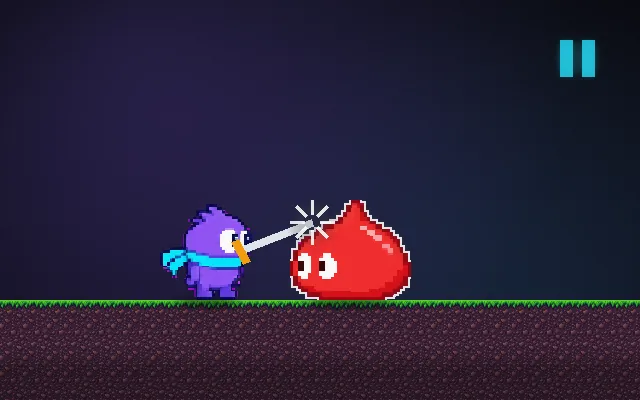
Try this: Turn hitboxes on, slide to Strict and try to land 3 hits. Then slide to Generous: notice hits that look like misses.
attack boxenemy hitboxyour hurtbox
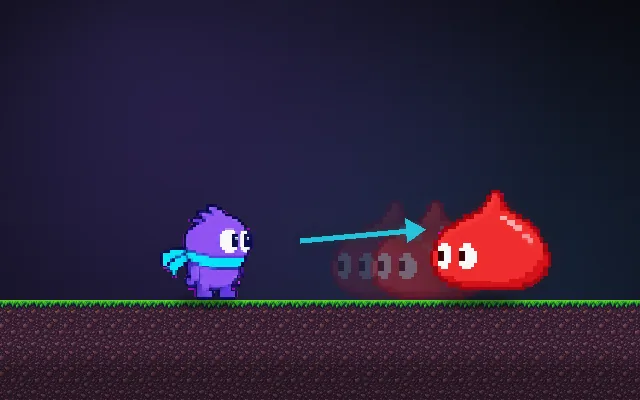
Wait for the slime to come close, then swing.
Prompt bit
Works for 2D or 3D in any engine (Unity, Unreal, Godot, web). Paste the short one for a quick fix, or the detailed one when you want it done properly.
Separate hitboxes from hurtboxes: enable each attack's hitbox only during its active window (about 0.1 s for a quick slash), test it against the target's hurtboxes rather than the visible sprite or mesh, and remember who this swing already hit so each takes damage once.
Set up hit detection with separate hitboxes (what deals damage) and hurtboxes (what can take damage), in 2D or 3D, any engine. Use simple shapes: boxes and circles in 2D; capsules, spheres and boxes in 3D, attached to the character or its bones, never the render mesh or sprite bounds. Turn each attack's hitbox on only during its active frames (from animation events or a startup, active, recovery timeline) and keep a per-swing set of targets already hit, cleared when a new swing starts. Make player hurtboxes a little smaller than the art (about 80 to 90%) and player attack boxes a little bigger, so close calls favour the player. Put hitboxes and hurtboxes on their own collision layers so attacks ignore the attacker and the scenery. For fast attacks and bullets, sweep or raycast between frames so they can't pass through a target. In shooters, give heads, bodies and limbs their own hurtboxes with damage multipliers. Add a debug toggle that draws every active box.
Where it's used
- Fighting games: per-move hitboxes and per-limb hurtboxes, tuned frame by frame
- 3D melee and action RPGs: sword arcs against capsule hurtboxes on the skeleton
- Shooters (FPS and third-person): head, body and limb hurtboxes for hit registration and headshots
- Platformers and shoot 'em ups: a smaller player hurtbox so near misses feel fair
- Pickups and triggers: the same overlap test for coins, doors and checkpoints
Common mistakes
Using sprite or mesh bounds as the hitbox, leaving an attack's hitbox on for the whole animation so it hits every frame, and not tracking who was already hit, so one swing deals damage many times.
Writing this with an AI assistant? See our best AI coding assistants for game developers.
Missing a concept? Request one.