Input buffering
Remember a press that came a little too early.
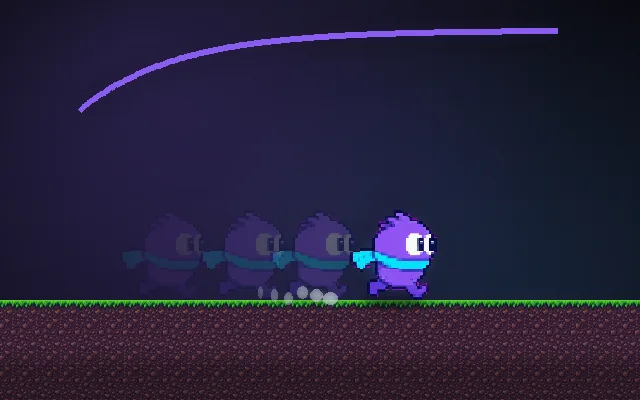
Players press jump a few frames before they land, expecting a jump the moment they touch down. Without a buffer the press is thrown away and the game feels like it dropped the input. Storing the press for a tenth of a second and firing it as soon as it becomes valid makes controls feel tight.
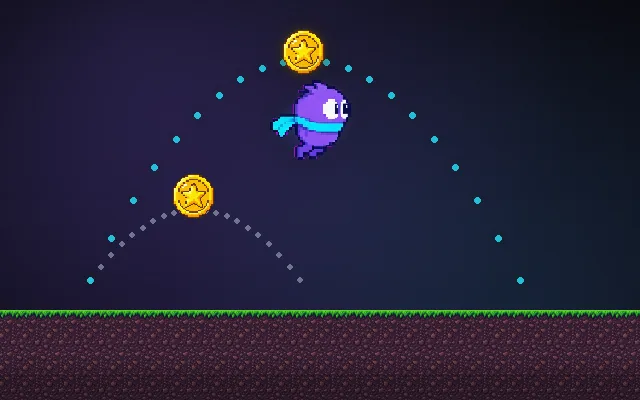
Try this: Chain jumps without stopping: press jump again just before you land. Then turn the buffer off with B and try to keep a chain.
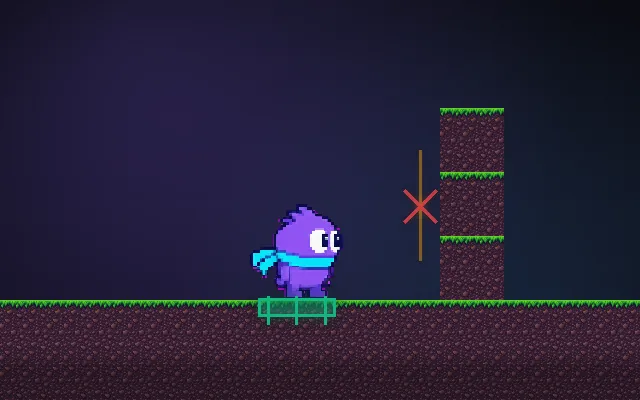
buffered press (waiting to fire)press eaten
Jump, then press again just before you land.
Prompt bit
Works for 2D or 3D in any engine (Unity, Unreal, Godot, web). Paste the short one for a quick fix, or the detailed one when you want it done properly.
Buffer the jump input: on press start a 0.1 s timer, and on the first frame a jump becomes legal while it is still running, jump and clear it, so presses just before landing count and one press never jumps twice.
Add an input buffer for jump (and reuse it for attack, dash and interact), in 2D or 3D, any engine. On press, set jumpBufferTimer = bufferTime (default 0.1 s; 0.08 to 0.15 s is normal). Each frame subtract delta time. Whenever a jump is legal (grounded or within coyote time) and jumpBufferTimer > 0, perform the jump and set the timer to 0 so the same press cannot fire twice. Read input in the frame update, but run the check in the physics step too, so presses between physics steps aren't lost. For combat, buffer only the most recent action, and clear the buffer on hit-stun, death, pause and menu open so a stale press can't fire on resume. Keep variable jump height working: if the button was already released when the buffered jump fires, apply the jump cut right away. Expose bufferTime per action and add a debug readout of buffered actions.
Where it's used
- Platformers: jump pressed just before landing
- Fighting games and character action: combo strings and cancels
- 3D action and soulslikes: queued dodge and attack after recovery
- Shooters: reload or fire pressed during a weapon swap
- Menus and rhythm games: presses made during a transition
Common mistakes
Not consuming the buffer (one press triggers two jumps), a long buffer of 0.3 s or more that fires actions players already gave up on, and keeping buffered actions through pause or death.
Writing this with an AI assistant? See our best AI coding assistants for game developers.
Missing a concept? Request one.