3D camera collision
Stop the camera going through walls.
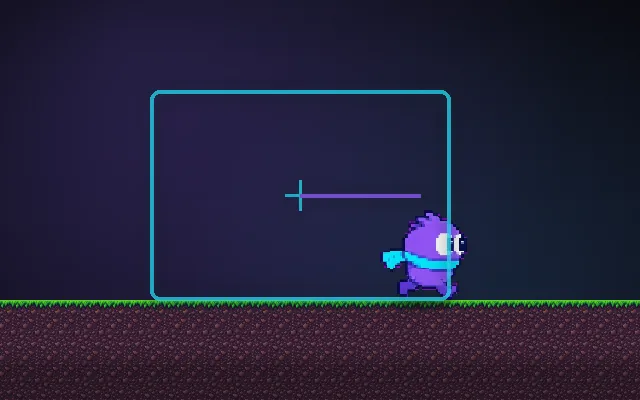
A third-person camera sits a few metres behind the player. Back the player into a wall and, without collision, the camera ends up inside or behind it and the screen fills with wall. A sphere cast from the player to where the camera wants to be finds the first obstacle and pulls the camera in front of it.
Try this: Orbit the camera behind the wall with collision off: the view is blocked. Turn it on (C) and the camera slides in front of the wall.
cameraview coneblocked view
Orbit the camera toward the walls.
Prompt bit
Works for 2D or 3D in any engine (Unity, Unreal, Godot, web). Paste the short one for a quick fix, or the detailed one when you want it done properly.
Add third-person camera collision: sphere-cast from the player's head toward the desired camera position, place the camera at the hit distance minus a small padding, pull in instantly but ease back out over 0.3 s, and ignore the player and small props.
Add collision to the third-person camera (3D, any engine; Unreal SpringArm and Cinemachine Deoccluder do this, so use them first). Each frame, after computing the desired camera position (pivot at the player's head plus the orbit offset, default 4 m back), sphere-cast from the pivot toward it with a radius about the camera's near clip plane plus padding (default 0.2 m) against level geometry only: exclude the player, enemies, small props and triggers with a layer mask. If something is hit, place the camera at the hit distance minus padding, with a minimum distance (default 0.5 m) where you fade out the player mesh. Move in instantly (or within a frame) so the view is never blocked, and ease back out over 0.3 s when the obstacle clears to avoid pumping. Optionally check a few rays around the cast to handle thin pillars and fade those out instead. Keep pitch limits so the camera cannot go below the floor. Expose radius, padding, min distance and return speed.
Where it's used
- 3D action and adventure: tight corridors and caves
- Third-person shooters: over-the-shoulder cameras near cover
- Platformers in 3D: walls, ceilings and slopes
- Open worlds: trees and buildings between camera and player
- Vehicles: chase cameras near barriers
Common mistakes
Raycasting with a thin ray (the near plane still clips walls), colliding with the player or small props so the camera jitters, easing in slowly so walls block the view for a moment, and snapping back out so the camera pumps.
Writing this with an AI assistant? See our best AI coding assistants for game developers.
Missing a concept? Request one.