Camera smoothing
A follow camera that glides instead of snapping.
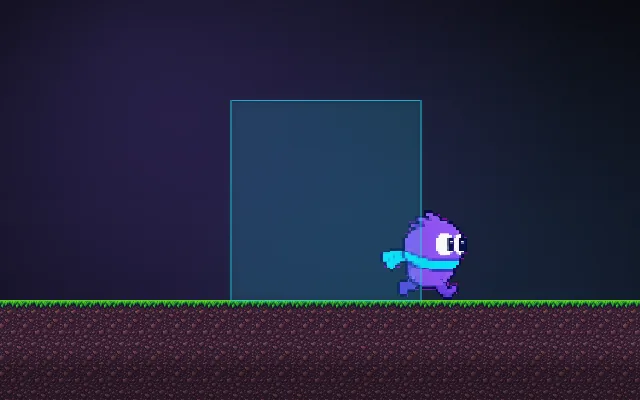
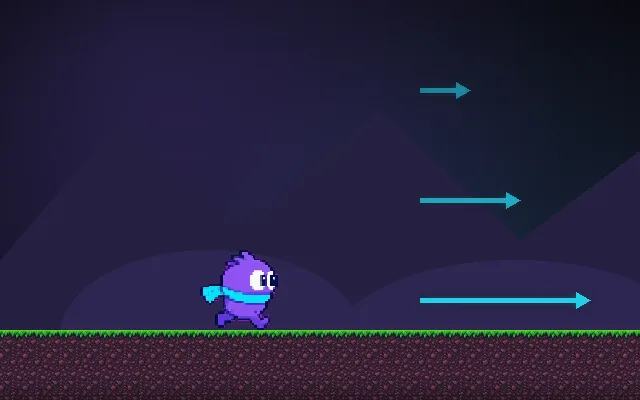
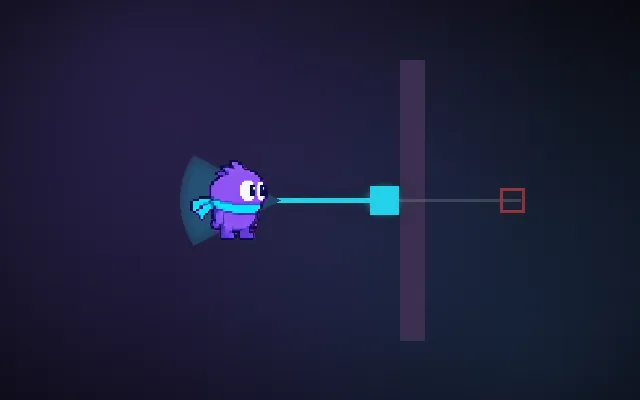
A camera glued to the player jitters with every step and makes fast games tiring to watch. Letting it catch up smoothly feels calmer. The catch: the common shortcut, moving 10% of the way each frame, is faster on high refresh screens. The fix is one line that uses delta time.
Try this: Run on Naive lerp at 30 fps, then at 144 fps: the camera lags by a different amount. Switch to Damped and it stays the same.
camera centreplayer
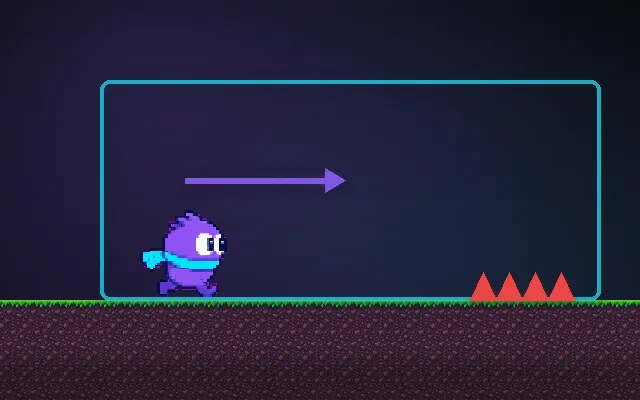
Run left and right.
Prompt bit
Works for 2D or 3D in any engine (Unity, Unreal, Godot, web). Paste the short one for a quick fix, or the detailed one when you want it done properly.
Smooth the follow camera with frame-rate independent damping: position = lerp(position, target, 1 - exp(-deltaTime / 0.12)), so it settles in about 0.3 s at any frame rate, and snap instantly on respawns or teleports instead of sliding across the level.
Make the follow camera smooth and frame-rate independent (2D or 3D, any engine). Compute a target (player position plus an offset, plus optional look-ahead in the facing or velocity direction). Each frame move the camera with exponential damping: t = 1 - exp(-sharpness * deltaTime); position = lerp(position, target, t), default sharpness 8 (higher = tighter). Never use a fixed factor like lerp(a, b, 0.1), because it depends on frame rate. Optionally use a smaller sharpness on Y than X for platformers, and add a dead zone so small moves do not move the camera. Update the camera after the player has moved (LateUpdate or equivalent) so it doesn't jitter by one frame, and if the player moves in a fixed physics step, follow the interpolated position. Snap the camera to the target on scene start, respawn and teleport. Clamp it to the level bounds. In 3D third-person, damp position and rotation separately (slerp rotations with the same t). Expose sharpness and offsets.
Where it's used
- 2D platformers and metroidvanias: soft follow with dead zones
- 3D third-person games: damped follow and orbit cameras
- Top-down and twin-stick games: follow with look-ahead toward the aim
- Racing games: chase cameras that lag slightly at speed
- UI: smoothly following cursors and markers
Common mistakes
A fixed lerp factor (different on every refresh rate), updating the camera before the player moves (one-frame jitter), following the raw physics position instead of the interpolated one, and smoothing across teleports so the camera flies across the map.
Writing this with an AI assistant? See our best AI coding assistants for game developers.
Missing a concept? Request one.