Camera look-ahead
Show more of where the player is going.
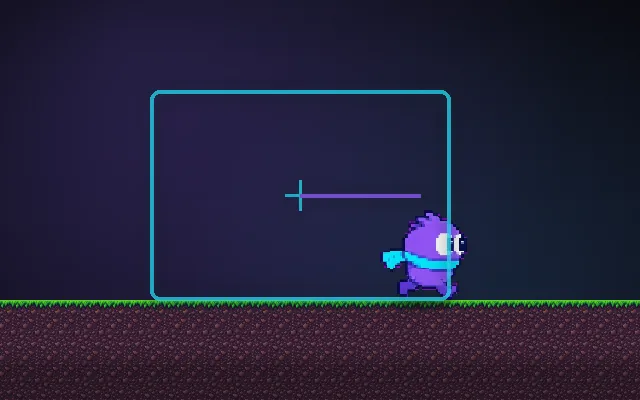
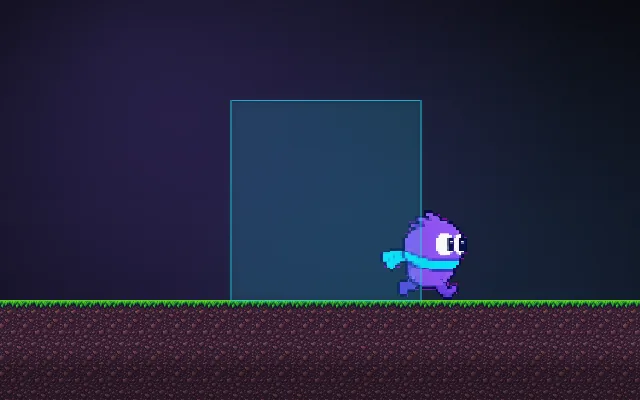
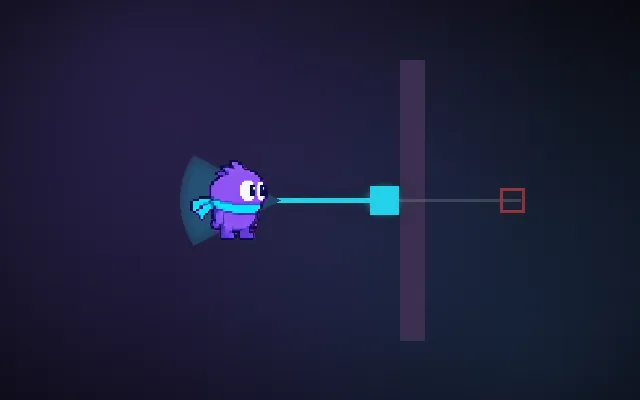
If the camera keeps the player dead centre, half the screen shows where they have already been. Shifting the camera ahead in the direction of movement shows the danger coming, which matters most in fast games. The shift should ease in and out so changing direction does not swing the view.
Try this: Run right with look-ahead off and try to react to the spikes. Turn it on with L: you see them much earlier.
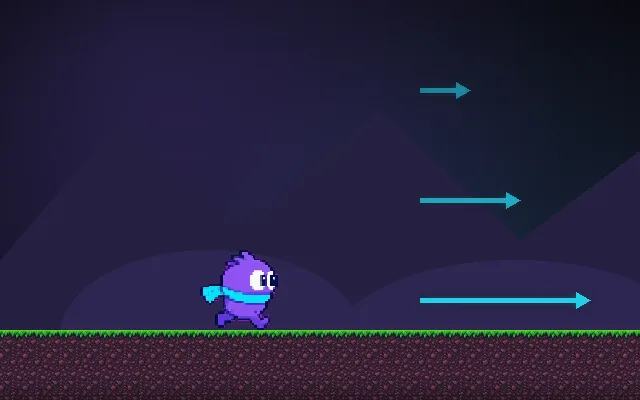
Run right.
Prompt bit
Works for 2D or 3D in any engine (Unity, Unreal, Godot, web). Paste the short one for a quick fix, or the detailed one when you want it done properly.
Add camera look-ahead: offset the camera target in the direction of the player's velocity by up to a third of the screen, scaled by speed, and ease the offset over about 0.5 s so quick turnarounds do not whip the view from side to side.
Add look-ahead to the follow camera (2D side-scrollers, top-down, or 3D third-person). Compute lookAhead = normalize(horizontal velocity) * maxLookAhead * clamp(speed / maxSpeed, 0, 1), default maxLookAhead about 30% of the visible width (in top-down, use the aim or stick direction instead). Smooth the offset itself with damping (time constant about 0.5 s) and only switch direction after the player has moved the new way for 0.2 s or so, so tapping back and forth does not swing the camera. Add it to the camera target before the deadzone and smoothing steps. Reduce it to zero when the player is standing still, during cutscenes and in boss arenas with fixed framing. For vertical look-ahead in platformers, look down while falling fast so landings are visible. In 3D third-person, offset toward the aim direction while aiming. Expose max offset, damping and direction delay.
Where it's used
- Fast platformers and runners: see hazards early
- Shoot 'em ups and twin-stick: look toward the aim
- Racing games: chase cams that lead into turns
- Metroidvanias: look down while falling
- 3D action: shoulder offset toward where you aim
Common mistakes
Snapping the offset when the player turns (the camera whips), look-ahead while standing still, fighting with a deadzone that undoes the offset, and too much offset so the player is at the screen edge.
Writing this with an AI assistant? See our best AI coding assistants for game developers.
Missing a concept? Request one.