Parallax scrolling
Background layers that move slower to fake depth.
Flat 2D games feel deep when far layers scroll slower than near ones. Each layer moves by the camera movement times a factor: mountains 0.2, trees 0.5, the ground 1, and foreground grass a bit above 1. It is cheap and one of the strongest ways to make a 2D world look rich.
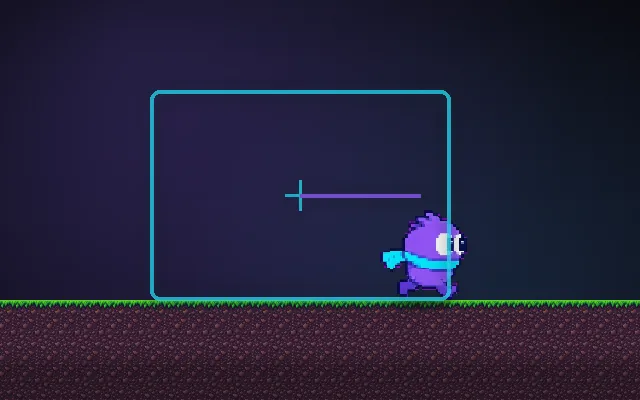
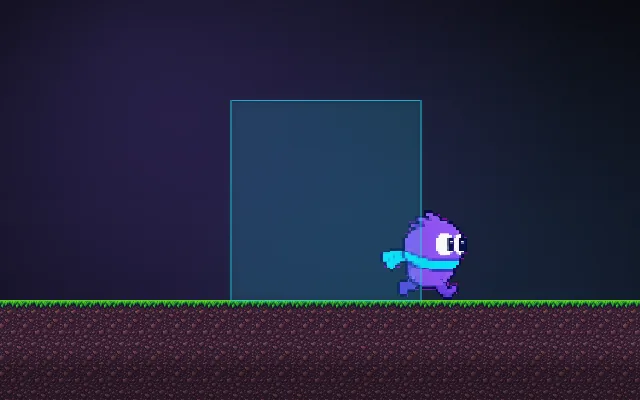
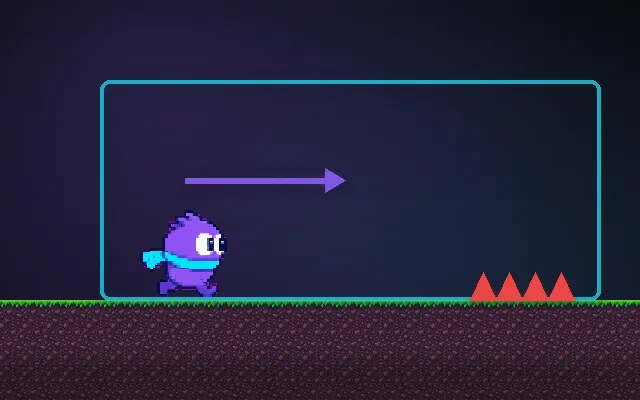
Try this: Run with parallax off: the background is a painted wall. Turn it on with P and run again.
Run left and right.
Prompt bit
Works for 2D or 3D in any engine (Unity, Unreal, Godot, web). Paste the short one for a quick fix, or the detailed one when you want it done properly.
Add parallax background layers: offset each layer by camera position times its depth factor (0.1 for sky, 0.5 for hills, 1 for gameplay, 1.2 for foreground), wrap each layer seamlessly, and snap slow layers to whole pixels so they never shimmer while the camera drifts.
Add parallax scrolling to the 2D scene (any engine: Unity, Godot ParallaxBackground, Phaser, or a web canvas). Split the background art into layers: sky, far mountains, hills, trees, gameplay, foreground. Give each a depth factor: sky 0 to 0.1, mountains 0.2, hills 0.4, trees 0.6, gameplay 1, foreground 1.2 to 1.5. Every frame set each layer's position = cameraPosition * (1 - factor) (or offset its texture by cameraPosition * factor), horizontally and optionally a smaller amount vertically. Make each layer tile seamlessly and wrap it with modulo of its width so it never runs out. Snap layer positions to whole pixels in pixel-art games to avoid shimmer, and update after the camera moves. Keep foreground layers sparse and semi-transparent so they never hide the player or hazards. In 3D, real depth gives parallax for free; for 2.5D, put layers at real Z distances with a perspective camera instead.
Where it's used
- 2D platformers and runners: sky, mountains, trees and foreground
- Shoot 'em ups: starfields at several speeds
- Menus and title screens: slow drifting layers
- Visual novels: subtle movement behind characters
- Mobile games: depth from tilting the phone
Common mistakes
Moving layers by speed instead of by camera position (they drift apart when the camera stops), seams when a layer wraps, foreground layers hiding hazards, and sub-pixel shimmer on slow pixel-art layers.
Writing this with an AI assistant? See our best AI coding assistants for game developers.
Missing a concept? Request one.