Delta time
Why your game runs faster on a 144 Hz monitor.
Games update once per frame. If you move a character 3 pixels per frame, it moves twice as fast on a 120 Hz screen as on 60 Hz, and slows down when the game lags. Multiplying every speed by the time the last frame took (delta time) makes movement the same on every machine.
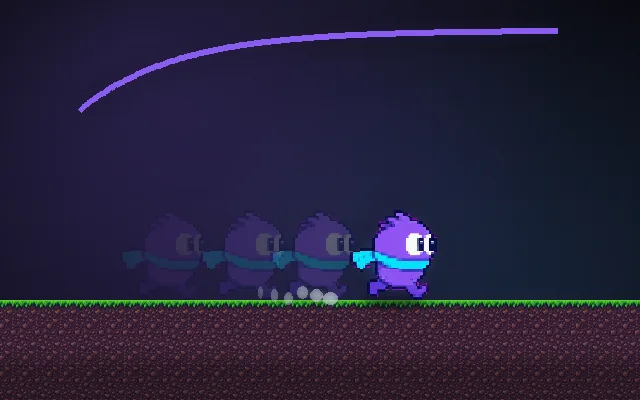
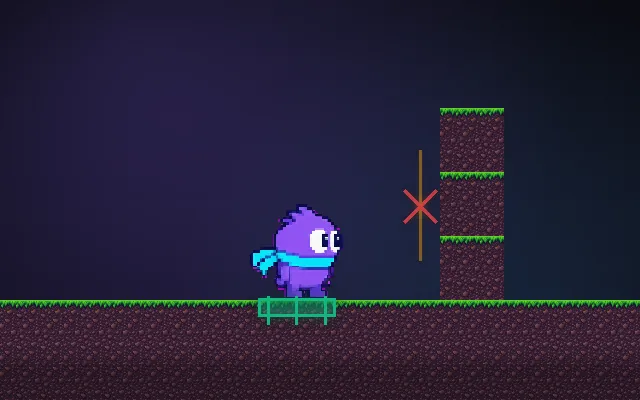
Try this: Pick 144 fps and restart: the per-frame runner wins easily. Pick 15 fps: now it crawls. The delta time runner always takes 2 seconds.
per frame (no delta time)speed × delta time
Both are tuned to finish in 2 s at 60 fps.
Prompt bit
Works for 2D or 3D in any engine (Unity, Unreal, Godot, web). Paste the short one for a quick fix, or the detailed one when you want it done properly.
Make all movement frame-rate independent: multiply every speed, rotation, timer and force by the frame's delta time in seconds, and clamp delta time to 0.1 s so a hitch or alt-tab can't teleport objects through walls.
Audit the game for frame-rate dependence (2D or 3D, any engine). Every per-frame change becomes rate * deltaTime with rates in units per second: position += velocity * dt, angle += turnSpeed * dt, timers -= dt, velocity += gravity * dt. Clamp dt to a maximum (default 0.1 s) so a long hitch doesn't produce one giant step. Replace smoothing like x = lerp(x, target, 0.1) with x = lerp(x, target, 1 - exp(-sharpness * dt)) (default sharpness 10), because a fixed lerp factor is still frame-rate dependent. Leave one-off impulses (a jump's initial velocity) unmultiplied. Put physics and gameplay that must be deterministic in a fixed-timestep update (1/60 s) and let rendering interpolate. Use unscaled delta time for UI so pause and slow motion don't freeze menus. Add a debug option to cap the frame rate at 30 and 144 to test.
Where it's used
- Every real-time game: 2D or 3D, all movement and animation
- High refresh rate players: 120 and 144 Hz screens otherwise run the game fast
- Mobile and laptops: battery saver drops to 30 fps
- Slow motion and pause: scale delta time instead of every speed
- Camera smoothing and timers: the most commonly forgotten places
Common mistakes
Multiplying an already per-second physics velocity by delta time again, using a fixed lerp factor for smoothing, not clamping delta time after a hitch (objects tunnel through walls), and multiplying instant impulses like jump velocity by delta time.
Writing this with an AI assistant? See our best AI coding assistants for game developers.
Missing a concept? Request one.