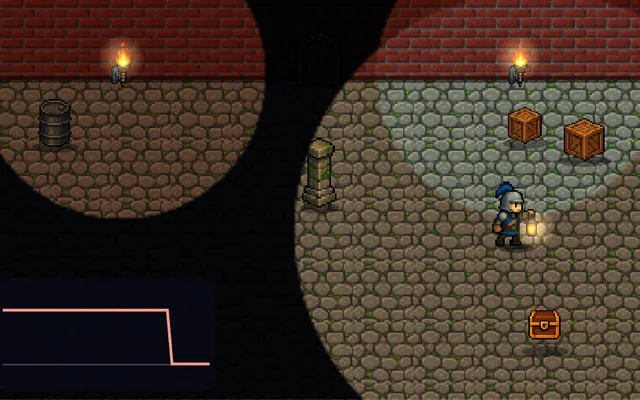
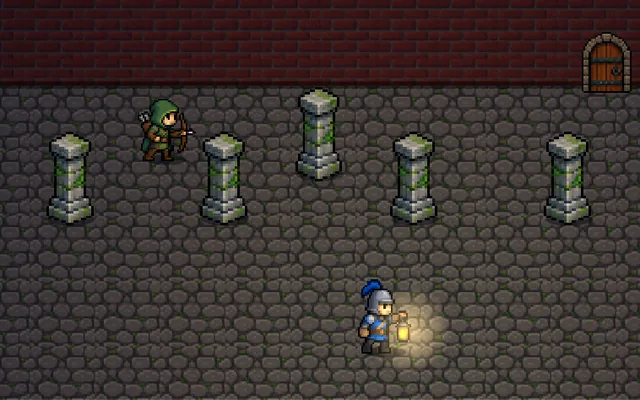
Normal maps
Fake surface detail that reacts to light, without any extra geometry.
Try it
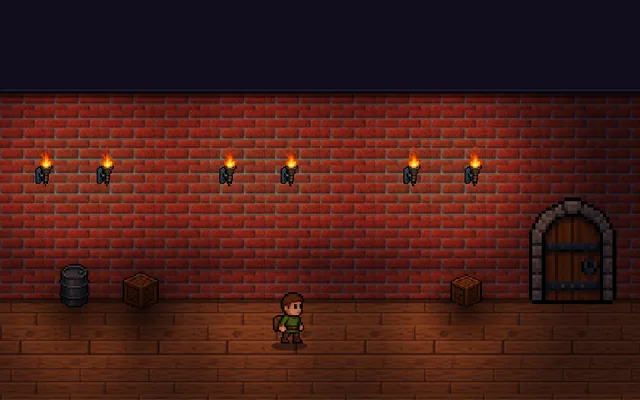
Move the torch over this plain wall. Press NUse the switch to switch on the normal map: the wall stays perfectly flat, but carved bricks catch the light as you move it.
Why it matters
A normal map is a texture that stores which way each pixel of a surface faces. The lighting uses those directions, so a flat wall shows bricks, cracks and carvings that catch the light as it moves, while staying a single flat shape. It is the cheapest way to make lit surfaces look detailed, and it works on 2D sprites as well as 3D models. In this demo the wall's colour is plain on purpose, so every detail you see comes from the map, and each pixel is really lit by the same formula as in the prompt below.
Where it's used
- 3D games: almost every lit surface
- 2D games: sprites that react to dynamic lights
- Low-poly assets: high-poly detail baked onto a cheap mesh
- Terrain and walls: bricks and rock without the triangles
- Puzzles: secrets that only show up in the right light
Add it to your game
How to spot it in your own game: Your surfaces look flat and painted however the light moves, or bumps look like dents, so check the material has a normal map, imported as a normal map and not as a colour image.
Paste this into your AI coding tool. It works for 2D or 3D in any engine (Unity, Unreal, Godot, web). Use Quick for a fast fix, or Detailed when you want it done properly.
Add normal mapping: sample a tangent-space normal map, rebuild the normal as rgb * 2 - 1, and light each pixel with max(0, dot(normal, lightDirection)) times the light falloff, keeping the mesh flat.
Add normal maps to lit surfaces (3D, or 2D sprites; Unity URP Lit or Sprite-Lit, Unreal materials, Godot CanvasTexture or StandardMaterial3D). Import the map as a linear texture, not sRGB, or the lighting comes out wrong. In the shader, rebuild the normal from the texture with rgb * 2 - 1, transform it by the tangent space (2D sprites can use it directly, flipping X when the sprite flips), and light each pixel with max(0, dot(normal, lightDirection)) times the light falloff. Check the green channel convention: OpenGL and DirectX are opposite, and the wrong one makes bumps look dented. Generate maps by baking a high-poly model, or from a height map for simple surfaces. Keep a small ambient term so back-facing details do not go pure black, and expose normal strength as a tunable.
Is it built into your engine?
| Unity | Built in: Normal Map texture type, Lit shader Normal Map slot, sprite secondary textures (URP)Import the texture as a Normal Map and assign it on a Lit material, while sprites use a secondary texture with URP 2D lights. |
|---|---|
| Unreal | Built in: Material Normal inputPlug a tangent-space normal texture into the Normal pin of a lit material and the engine does the lighting with no shader code. |
| Godot | Built in: BaseMaterial3D normal_enabled, CanvasTexture normal_textureNo shader needed: in 3D tick it and assign the map on a mesh with normals and tangents, and in 2D use a CanvasTexture lit by Light2D nodes. |
Checked against Unity 6.6, Unreal Engine 5.8 and Godot 4.7 official docs, November 2026.
Common mistakes
Importing the map as sRGB so the lighting looks washed out, the wrong green channel so bumps look like dents, forgetting to flip the X direction when a 2D sprite flips, and overly strong maps that make every surface look like plastic.
Writing this with an AI assistant? See our best AI coding assistants for game developers. Missing a concept? Request one.