Save versioning and migration
Old saves keep working after you update the game.
Every update that renames, removes or restructures saved data can break existing saves. Putting a version number in every save file and writing a small upgrade step for each version means old saves are converted on load. It is the difference between a smooth patch and angry reviews about lost progress.
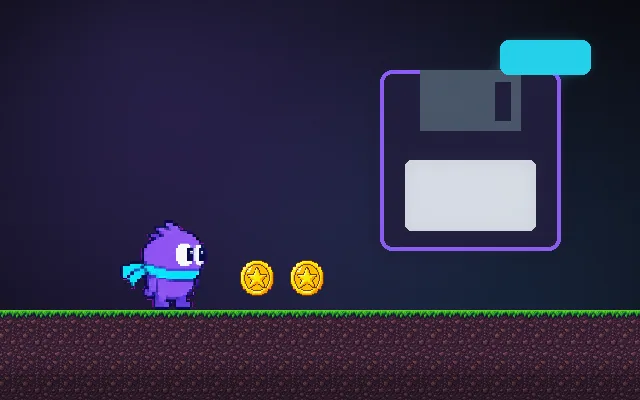
Try this: Collect coins and gems, press Save, then Update to v2 and Load. Without migration the v2 game cannot read your v1 save and you lose everything. Reset, turn migration on, and repeat.
Collect coins and gems, then Save.
Prompt bit
Works for 2D or 3D in any engine (Unity, Unreal, Godot, web). Paste the short one for a quick fix, or the detailed one when you want it done properly.
Version every save: store a version number, keep one migration function per version (v1 to v2, v2 to v3), run them in order on load after backing up the file, and keep it under 0.5 s so ten-update-old saves still open.
Add versioning and migrations to the save system (2D or 3D, any engine). Every save has a top-level saveVersion integer; the game has CURRENT_VERSION. Keep a list of migration functions, each taking data of version n and returning version n + 1 (rename a field, split a value, add a default, convert units, remap item ids). On load, back up the original file, then while data.saveVersion < CURRENT_VERSION apply the next migration. Never edit old migrations once shipped; add a new one instead. If a save is newer than the game (a downgrade), refuse politely rather than corrupting it. Write unit tests that load real saved files from every released version. Remove data carefully: keep unknown fields when possible so a later version can still use them. Keep migration fast (under 0.5 s; move heavy work to background) and log what changed. Include settings and cloud saves in the same scheme.
Where it's used
- Live games: patches that change inventories and currencies
- Early access: frequent updates during development
- Mobile games: long-lived saves across many app versions
- Cloud saves: different devices on different versions
- Mods: data formats that evolve
Common mistakes
No version field, editing an old migration after release, jumping straight from v1 to the current shape instead of chaining steps, deleting the original before the migration succeeds, and never testing with real old save files.
Writing this with an AI assistant? See our best AI coding assistants for game developers.
Missing a concept? Request one.